![SignalPET White-1.png]](https://docs.signalpet.com/hs-fs/hubfs/SignalPET%20White-1.png?height=27&name=SignalPET%20White-1.png)
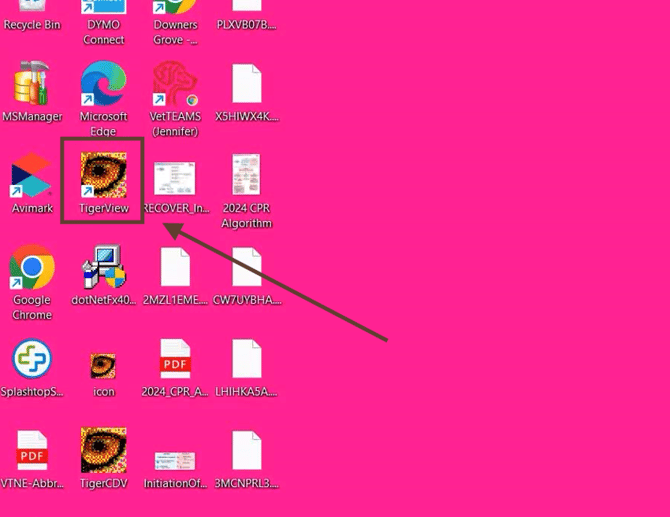
Double click the Tigerview app on the desktop to launch the software.
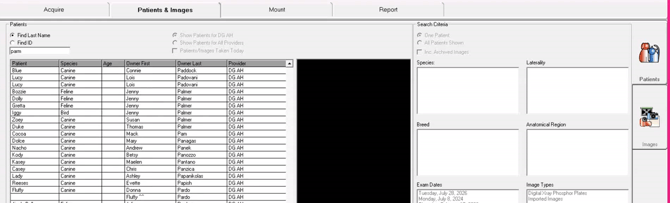
Step 2: After launching the app, you will be presented with a list of studies, double click a study of your choice.
Step3: Select all the images, right-click the highlighted studies, then choose Export > DICOM > DICOM and Remote Storage.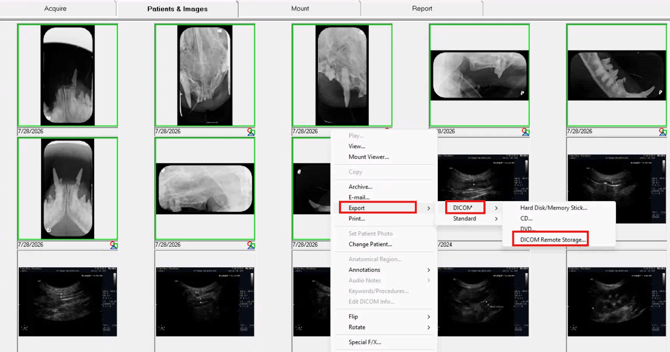
Step 4: Select ''Add'' to add the DICOM settings for SignalPET.
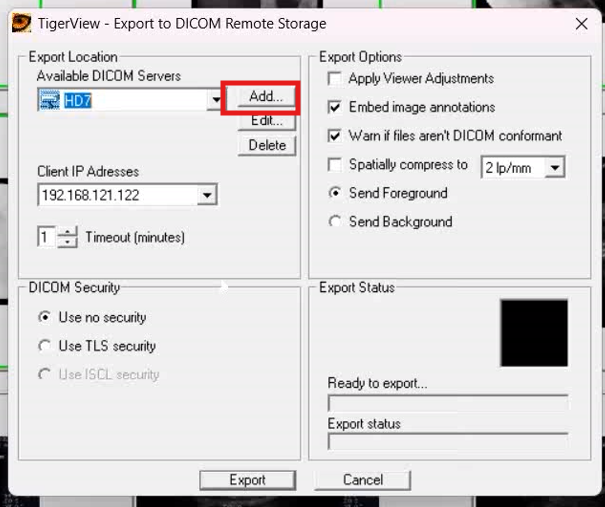
Example:
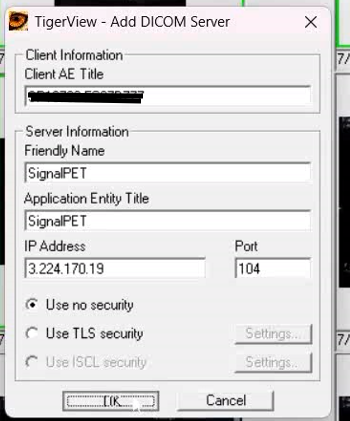
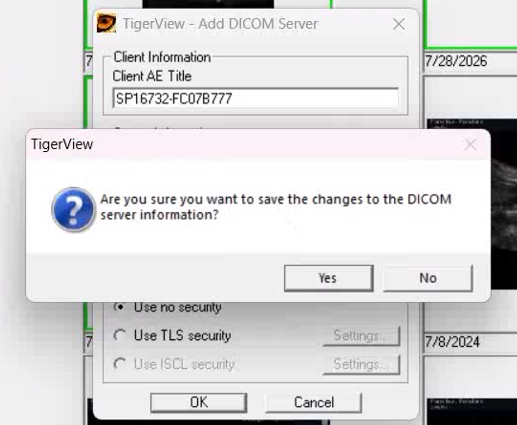
Click ''Yes to complete the configuration.
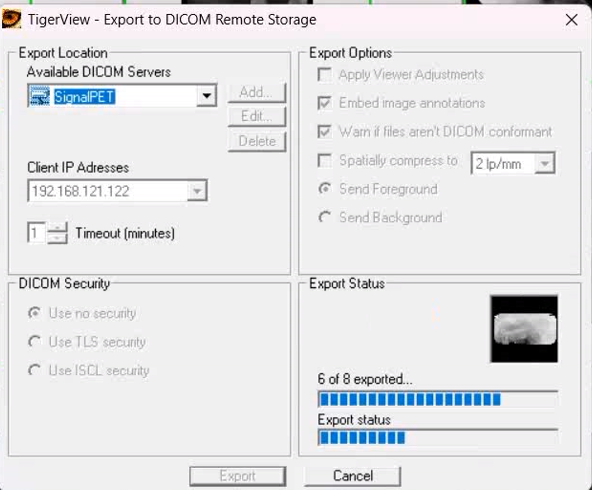
Select the drop down arrow and select the SignalPET DICOM and select ''export button.
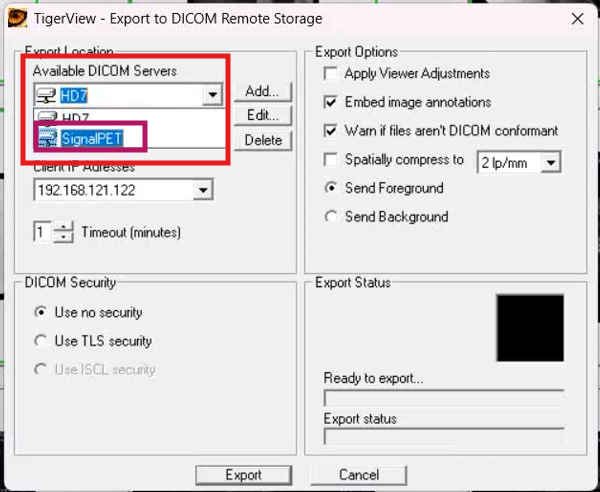
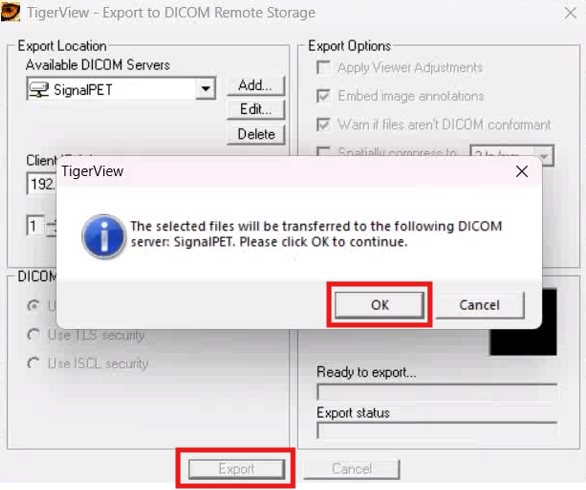
After the below the should process the studies, check the SignalPET Dashboard to confirm the whether we have received the studies.