![SignalPET White-1.png]](https://docs.signalpet.com/hs-fs/hubfs/SignalPET%20White-1.png?height=27&name=SignalPET%20White-1.png)
- Home
-
{[{category.name}]}
- {[{section.name}]}
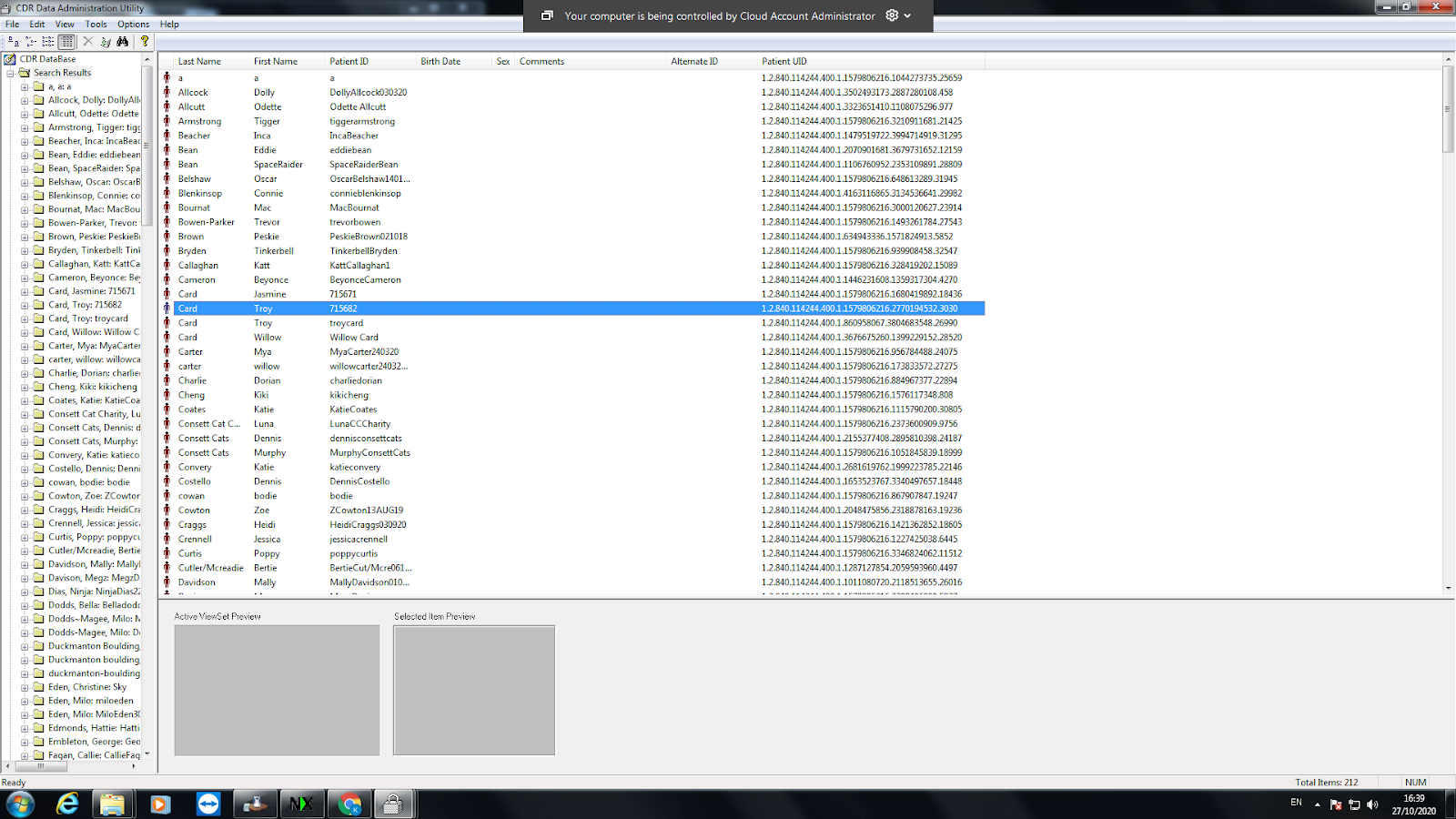
- Select the study you would like to send.
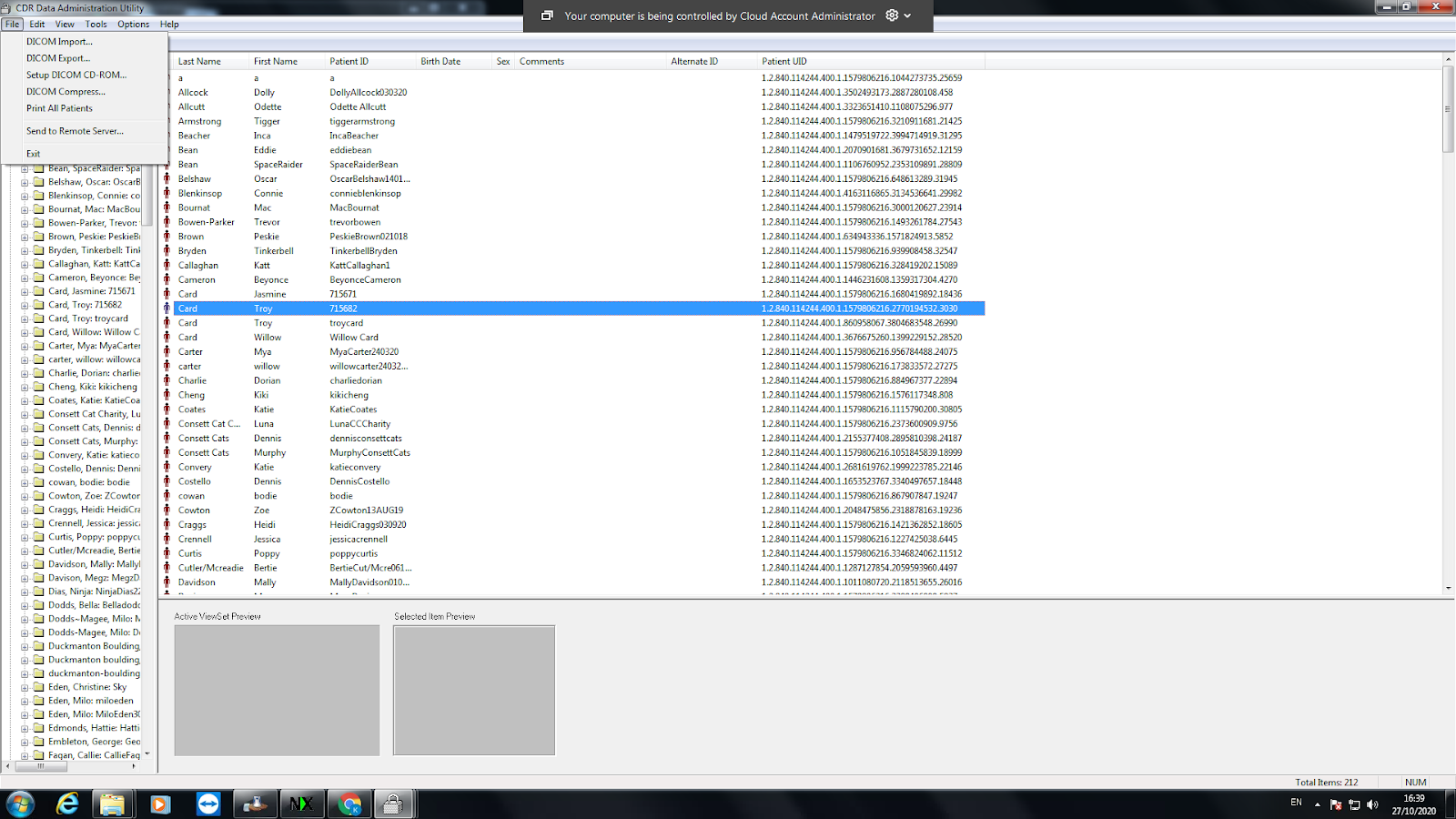
- Click “ File” in the top left-hand corner.
- Click the option that says “ Send to Remote Server”.
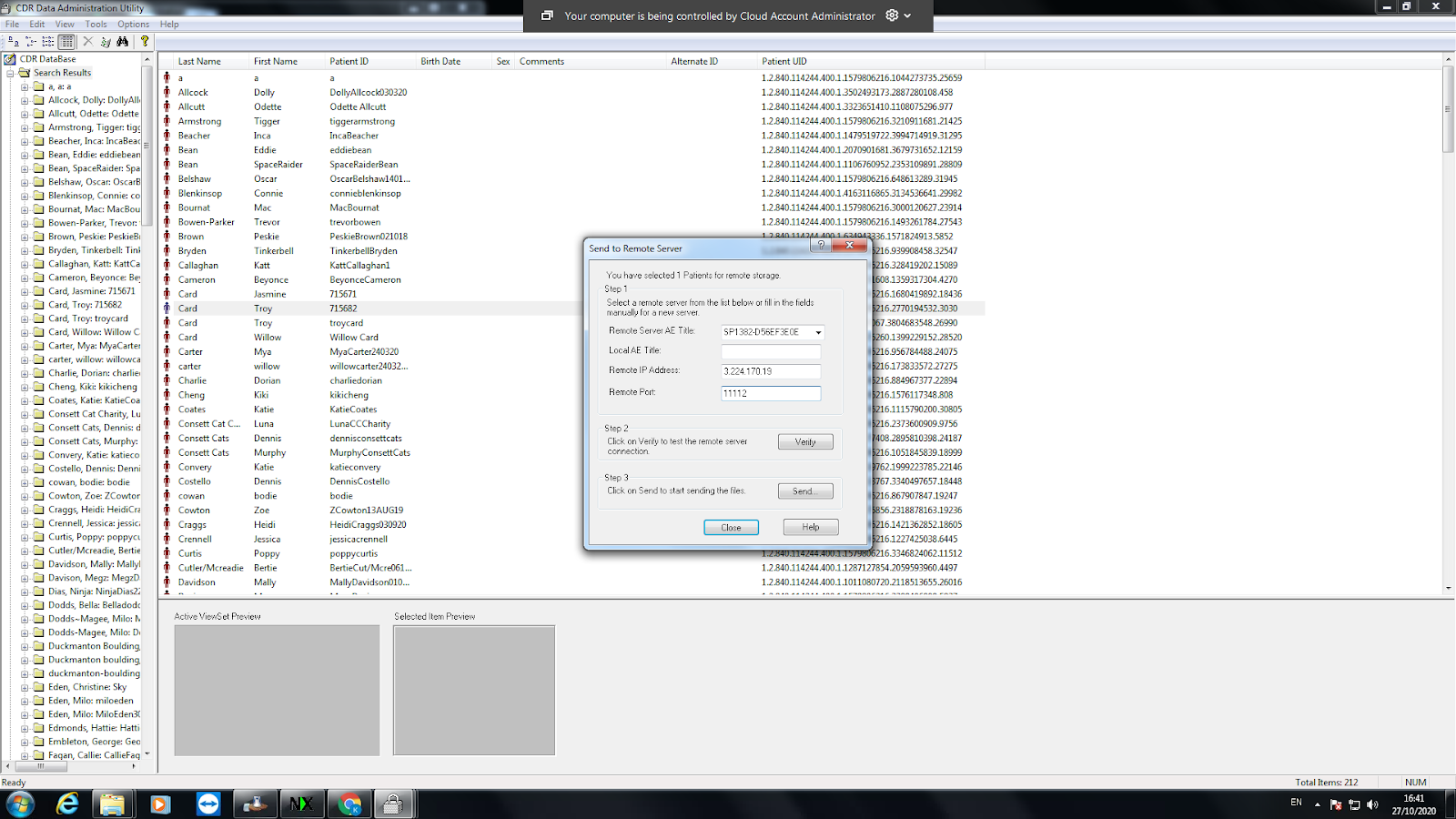
- Add the following information to corresponding fields. Copy and paste the information in those fields.
Remote Server AE Title: SP1539-6DEBAE4C4
IP Address: 3.224.170.19
Port Number: 11112
- Click the “Verify” button to make sure it is connecting to our remote server.
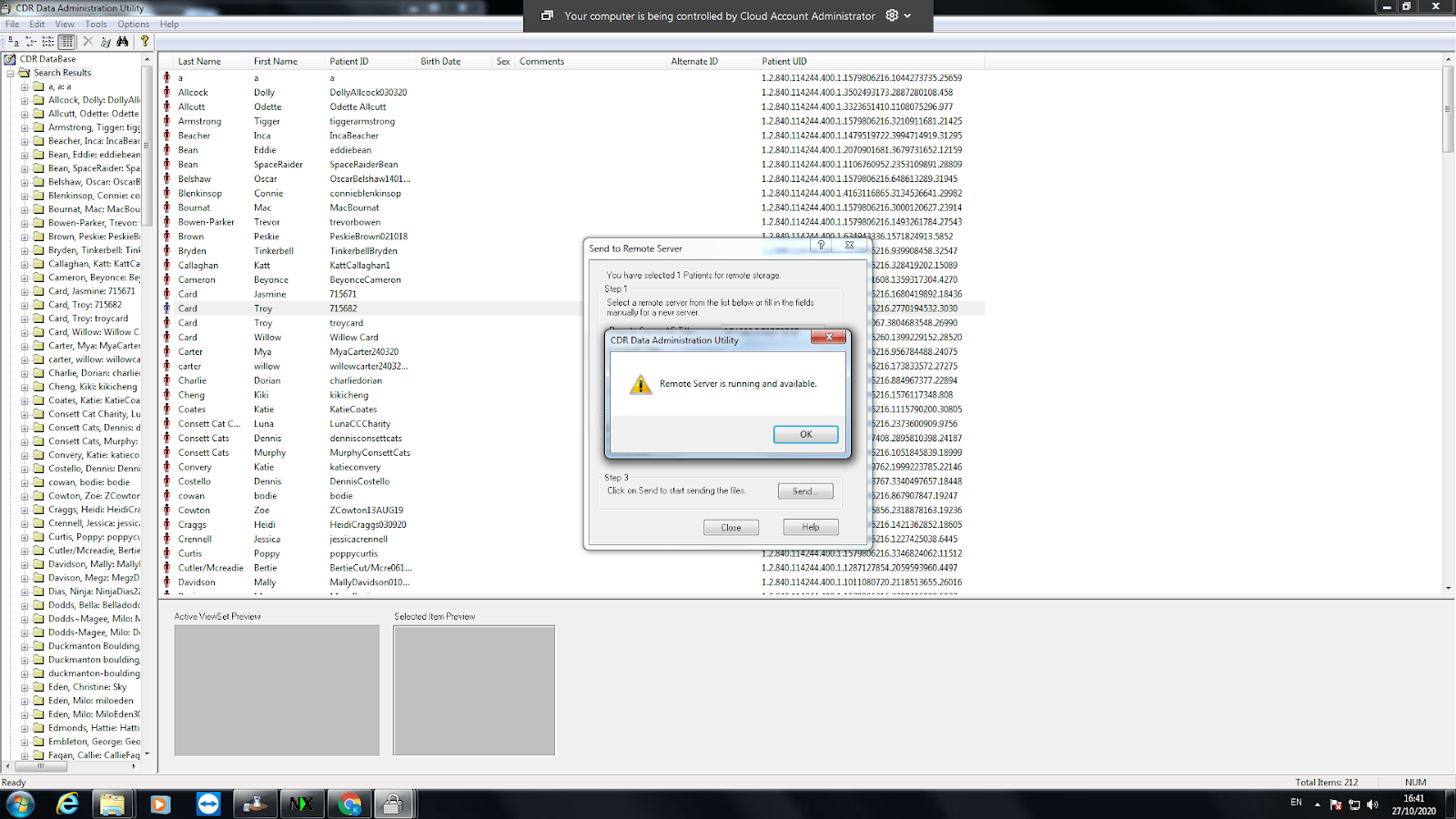
- Click on the “Send” button.
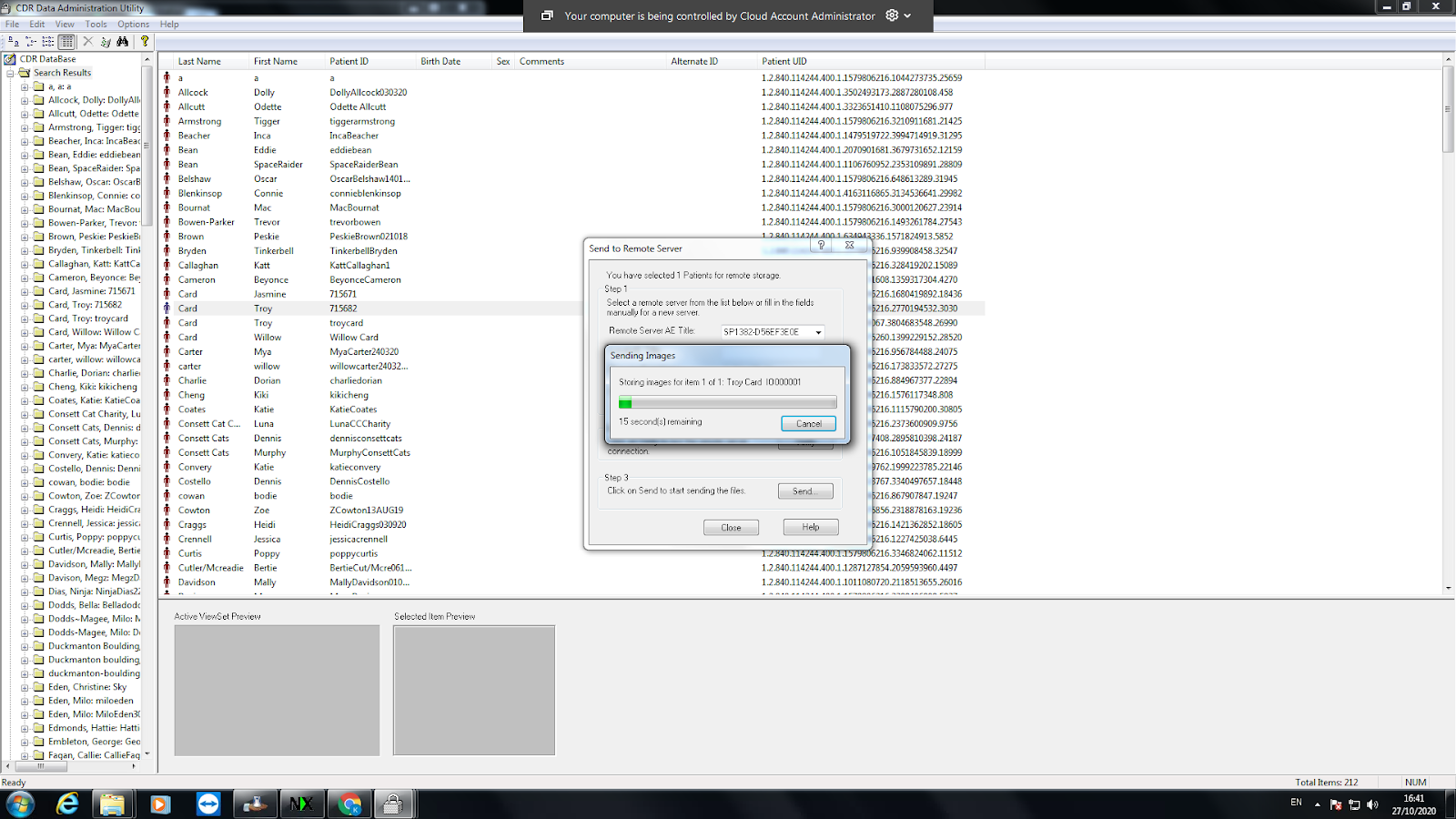
- Wait for the images to be transferred.
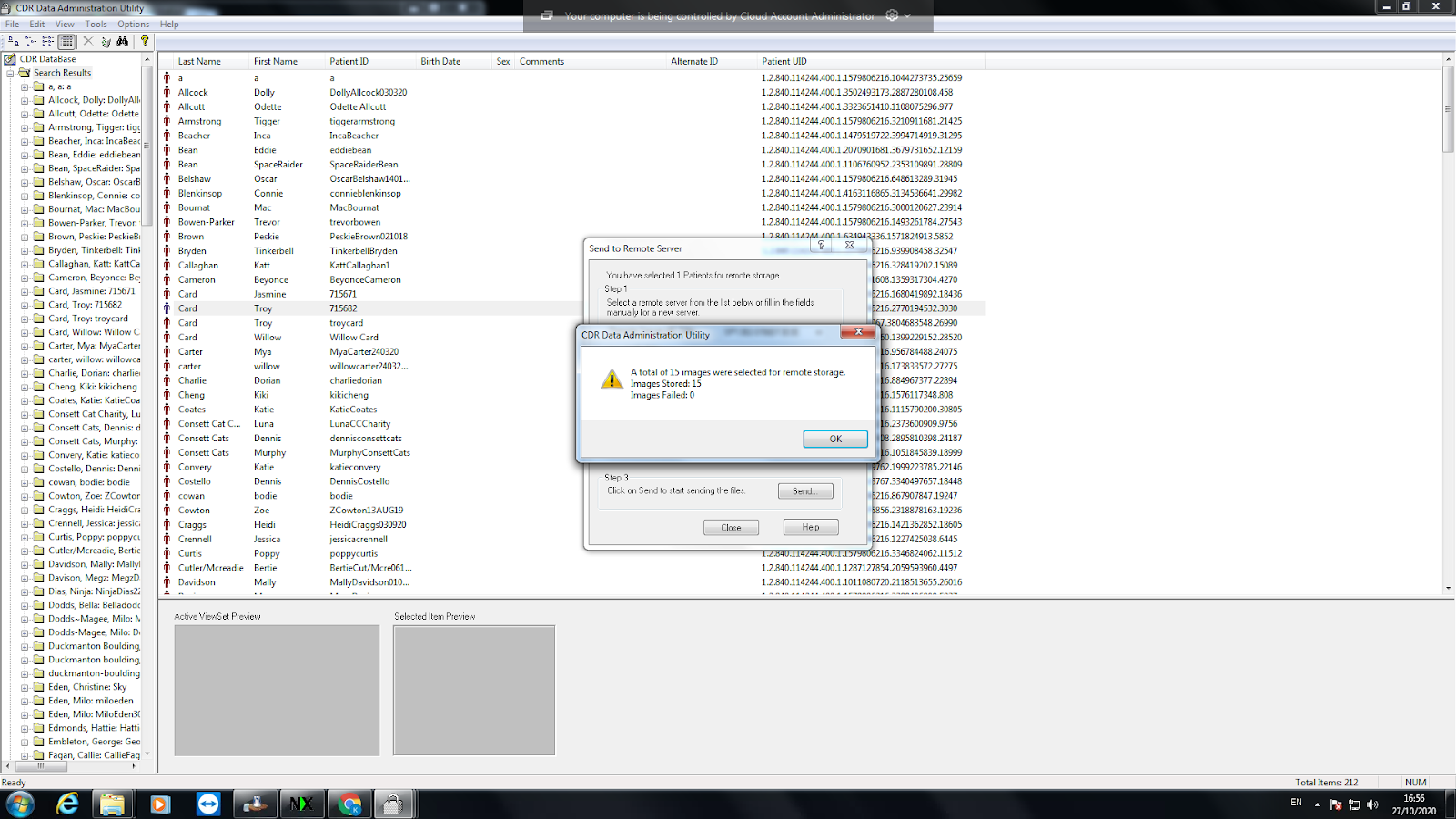
- Click the “OK” button to return to the list.